
Why Do TVs Make Cracking Noises At Night?
When you're drifting off to sleep, you might hear some popping and cracking noises from your TV. Why does it do this and should you be worried?
Read More

When you're drifting off to sleep, you might hear some popping and cracking noises from your TV. Why does it do this and should you be worried?
Read More
Your Smart TV has a bunch of ports on the back and supports a lot of apps, but does it have an antenna? If so, you may have a fun quality-of-life feature.
Read More
There are a plethora of smart TVs to choose from today, and they all have an OS that may or may not be what you need. Here's the best of the bunch.
Read More
Hisense TVs lack a venerable name, but their many models offer a surprising combination of quality and affordability. Here is a guide to the Hisense line.
Read More
If you are considering using a TV as a computer display, there are some things you need to consider. Here are six TVs that would make great monitors.
Read More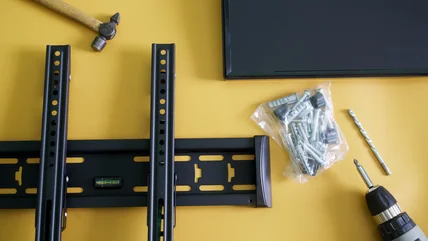
After buying a new flat-screen TV, you may want to hang it up on the wall. Here's what you need to know about TV wall mounts and if they're a one-size-fits-all.
Read More
You may have noticed there are now ads popping at the beginning or during your TV show or movie on Amazon Prime. Here are a few ways to remove them.
Read More
Hisense TVs are usually budget-priced, but that doesn't mean you can't get one with plenty of fancy features and top-of-the-line capabilities.
Read More
If your TV turns on all by itself, you may be inclined to think its haunted. Before you call an exorcist, try these steps to stop your TV controlling itself.
Read More
If you've got a Google TV, you've likely explored the various apps and features it offers. However, some of the device's best features can go unnoticed.
Read More
Toshiba TVs are a mainstay at retail stores, especially on the budget end of the pricing spectrum, but who actually owns the Japanese brand today?
Read More
If you're shopping for a new TV, you may notice just how cheap Roku TV are. It turns out the company has found a different way to monetize your TV purchase.
Read More
Many may think they need to subscribe to Amazon Prime in order to get Prime Video, but there are ways you can access just your favorite shows and movies.
Read More
why-you-need-mydisney-account-hulu/
Read More
Hisense is a major global electronics manufacturer and that includes televisions. Here's what to do when yours won't turn on.
Read More
If you're looking to get a new television for your living room but don't want to opt for the multitude of OLED options, you've got a few choices.
Read More
If you need to reset a Hisense television, it may be easier to do than you think. Here are different ways to get things back to the default settings.
Read More
Buying a used TV is a great idea if you want to save some money, but there are five things you need to look for before making a purchase to avoid a problem.
Read More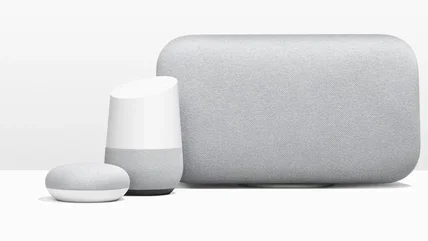
If you've using Google Home as your smart home setup, then you've got access to a number of devices from game consoles to speakers with exciting features.
Read More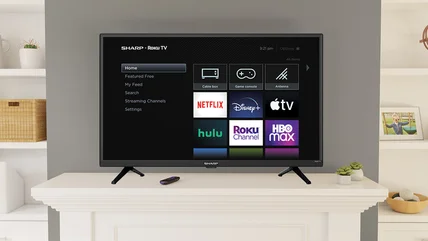
Closed captions are useful when you can't listen to audio, but if you want to turn them off but can't, it's annoying. Here's how to do it on Roku.
Read More
There are some great deals to be found right before the Super Bowl kicks off, and most of those deals will last until Valentine's Day as well.
Read More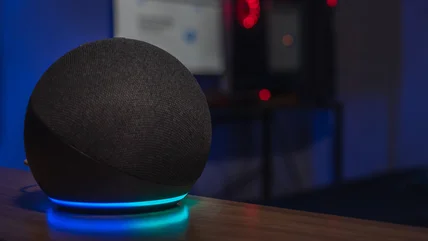
There are a lot of different Amazon Echo devices out there, but which one is right for you? Here is everything you need to know about these smart devices.
Read More
Looking to pick up a big TV for the big game? Here are 10 giant screens that are on sale just in time for Super Bowl LIX featuring the Chiefs and the Eagles.
Read More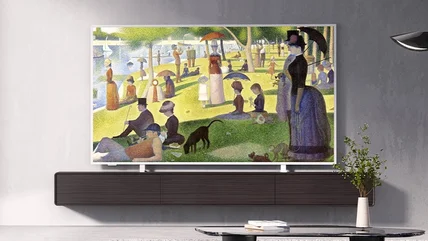
Now that there is some competition in the world of frame TVs, is it worth going cheap or are the major brands like Samsung the best options.
Read More
Panasonic was once the biggest name in televisions, but then it abruptly left the US market. Why did the giant leave the states, and what brought it back?
Read More
Hisense is a new name in the U.S. TV market, but the company has history behind it. Here's the story of the brand that catapulted to second place in America.
Read More
If your TV is a Samsung, you may not be using its best feature. Here's how to use Multi View to view your favorite videos and your phone screen simultaneously.
Read More