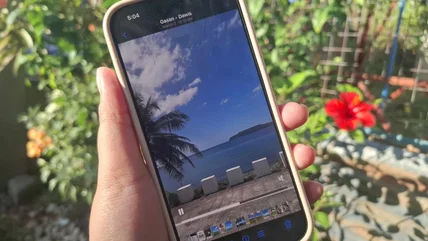
How To Loop A Video On Your iPhone
Do you have a video on your iPhone that you want to watch on a loop? Here are a few different ways to do just that, plus a bonus explanation for YouTube videos.
Read More

Do you have a video on your iPhone that you want to watch on a loop? Here are a few different ways to do just that, plus a bonus explanation for YouTube videos.
Read More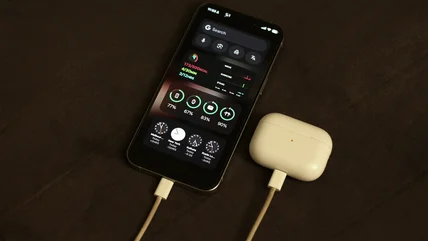
If you're interested in charging your AirPods on your iPhone, this is what you should consider beforehand.
Read More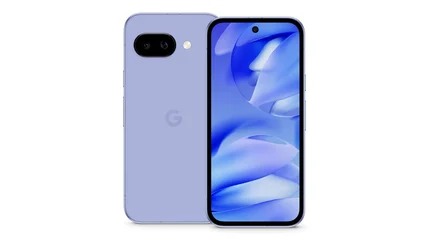
Are you in the market for a new phone? You may be surprised to discover what Google's Pixel 9a has to offer compared to the more expensive iPhone 16e.
Read More
Starlink will allow you to still use your phone in areas where you have no or limited cellular service, but can you turn the Starlink feature off?
Read More
Find out how many times an iPhone rings before voicemail picks up and learn how to change the ring time to suit your needs.
Read More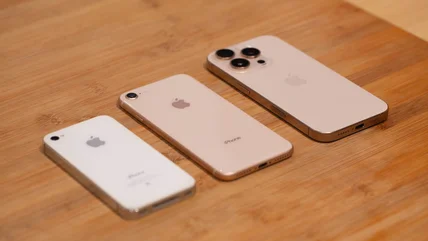
When the original iPhone launched in 2007, its 2 MP camera was impressive enough. Over the years, its evolution has rivaled full-size photo and video cameras.
Read More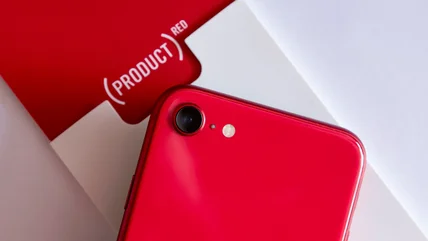
Apple's vibrant PRODUCT(RED) devices stood out in a crowd of smart devices, but the notable iPhone line also helped with a charitable cause for years.
Read More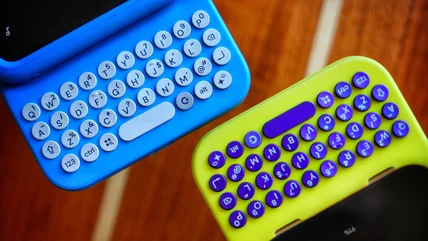
If you miss the tactile feel of old phone keypads, Clicks might be the next phone accessory to add to your must-buy list. Here are all the details.
Read More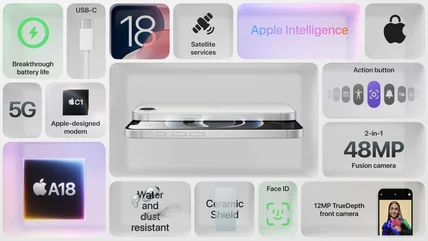
While it's being billed as a budget-friendly alternative to the iPhone 16, the upcoming iPhone 16e has new in-house tech from Apple that's worth the upgrade.
Read More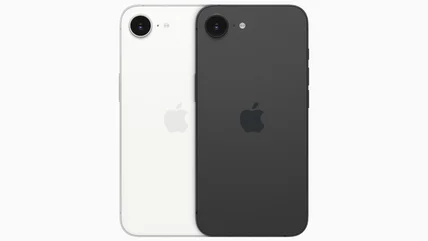
Apple's next budget-friendly iPhone has arrived, marking the end of the road for the iPhone SE series. Here's everything you need to know about the iPhone 16e.
Read More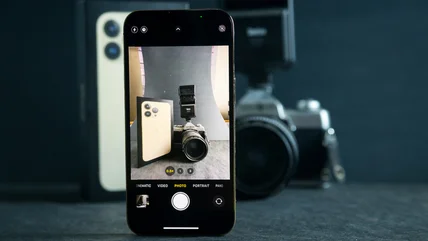
Your iPhone can take some truly incredible photos these days, but if you're keen to get the most out of its camera, check out these alternative camera apps.
Read More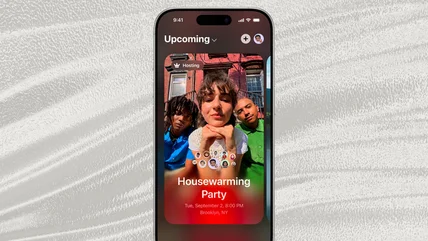
Apple's new app, Invites, is taking away one of Facebook's core appeals. Want to give it a try? Here's everything you need to know before downloading.
Read More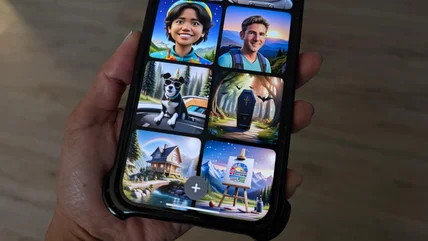
Apple's Image Playground app, is a fun way to create images using prompts and your iPhone photo gallery. Here's how it works and methods to try.
Read More
The iPhone is customizable and built with accessibility and user-friendliness in mind. With a few adjustments, you can make them easier for seniors to use.
Read More
Having trouble hearing what someone who called you is saying? The cause could be any number of issues with your iPhone, but you may be able to fix it yourself.
Read More
As if moving to a new country, even for a few months, isn't complicated enough, your U.S. Apple Account won't work outside the States. Here's how to fix that.
Read More
RCS is now available on the iPhone as of the latest update, but your carrier still has to support it. These carriers will offer RCS support on pre-paid plans.
Read More
Your iPhone's compass is a feature you may not know about, but it can save your life. However, you'll need to calibrate it before tis first use.
Read More
Now that the new iterations of the iPhone are officially using the USB-C cable, there are several accessories at users disposal. Here are six to consider.
Read More
The iPhone 15 Pro and Pro Max introduced the new Action button on Apple phones, and it's a very useful tool if you know how to use it correctly.
Read More
If you're not content with just laying your phone on your desk, these quirky iPhone stands will hold your phone up in viewing range and look cool.
Read More
Wildfires can start without warning and when it happens in an area near you, it's important to use one of these highly-rated wildfire tracking apps.
Read More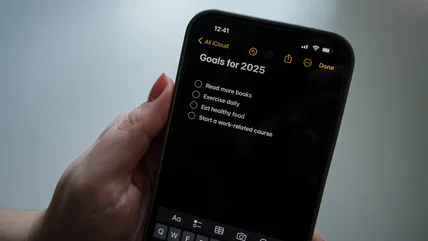
The Notes app may be the iPhone's most useful and commonly used app, and the ability to use it collaboratively only enhances that usefulness.
Read More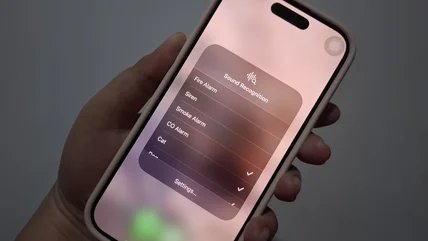
Sound Recognition is an iPhone feature that can help users who are disabled, but it can also be used to create custom notifications based on sounds.
Read More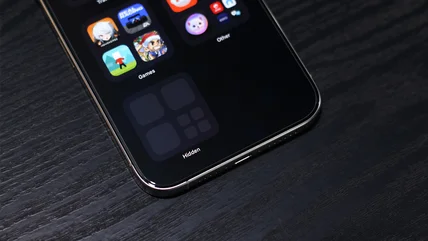
If you have hidden an app on your iPhone to keep away from prying eyes, but don't know how to find it again, follow this step-by-step guide.
Read More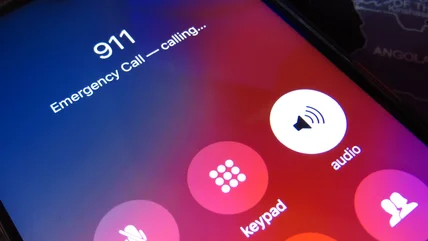
Your iPhone's emergency features are incredibly useful, but this tip for how to set up your Emergency SOS function may save your life one day.
Read More
Even if you have an iPhone, there are plenty of apps by other developers that are incredibly useful, like these five Microsoft-developed iPhone apps.
Read More