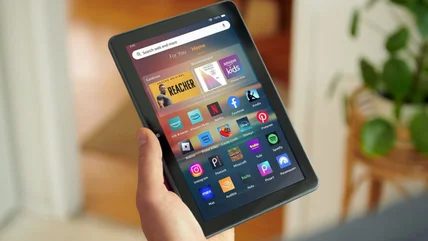
Amazon Is Selling Its Newest Model Fire Tablet For Only $55
Amazon's newest Fire Tablet has received a hefty discount ahead of this October's Prime Big Deal Days sale, discounting all storage size variants.
Read More

Amazon's newest Fire Tablet has received a hefty discount ahead of this October's Prime Big Deal Days sale, discounting all storage size variants.
Read More
There are a few examples of well-known or popular iPhone apps that took way longer than expected to finally get their own dedicated iPad iteration.
Read More
Reaching for the budget monitor will obviously help with those on a tight budget, but for some rigs, it may not be worth the savings for long-term enjoyment.
Read More
If you don't live close to an Apple store, you might be tempted to try out your local Best Buy, but are there any drawbacks with going that route?
Read More
You may be wondering if the USB ports on your computer are able to utilize the fastest speeds, but it's not straight forward. Here's how to tell what you have.
Read More
A layout option many Safari fans relied on is gone with Tahoe and iPadOS 26 and it might affect your workflow if you regularly used it.
Read More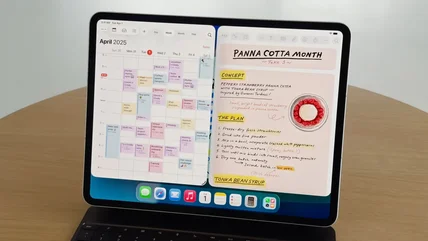
iPadOS 26 comes with a big number jump, but a lot of users believe an important feature is now missing. Don't worry, Split View is still around.
Read More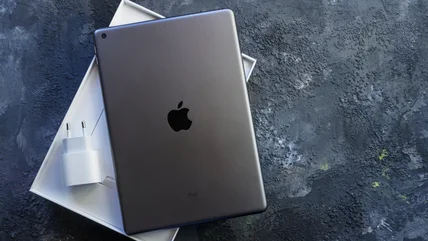
You might be surprised to learn what's going on with iPads and their in-the-box chargers around the world.
Read More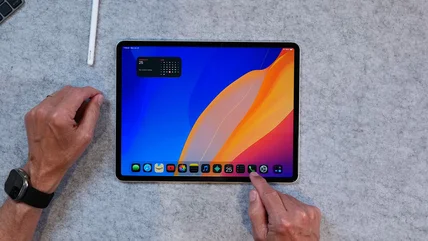
Noticed a “Phone” app on your iPad? It’s not just an icon; it’s the latest way Apple is rolling calls and voicemails into your tablet workflow.
Read More
A bright spot on your iPhone or iPad screen can be more than a minor annoyance. Here’s what it means and why you may need professional repair.
Read More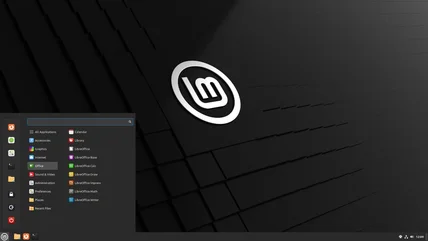
With support for Windows 10 ending in late 2025, you might be thinking of updating to Windows 11, but you'd be missing on all that Linux has to offer.
Read More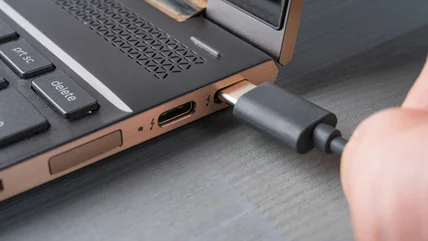
USB ports are synonymous with the convenience of plug-and-play, but that doesn't mean every USB device is safe. Here are some things to watch out for.
Read More
There are a number of unexpected, interesting ways you can take advantage of your Android tablet's USB-C port.
Read More
Apple's high-end iPads get all the attention, thanks to their great specs and amazing performance. But it's a much humbler iPad that's the pick of the bunch.
Read More
macOS Tahoe is shaping up to be a divisive update, but it certainly brought a lot of new customization options that you might want to investigate.
Read More
If you're on the hunt for an e-reader, the Amazon Kindle family probably feels like a natural place to start looking. Here's how each current model compares.
Read More
Amazon Basics sells everything from monitors to memory cards, but how do its PC parts really hold up? Here’s what buyers say about the budget brand.
Read More
Wi-Fi Jammers are a recurring concern for many homeowners who rely on a wi-fi signal for home security, but how much of a threat are the devices?
Read More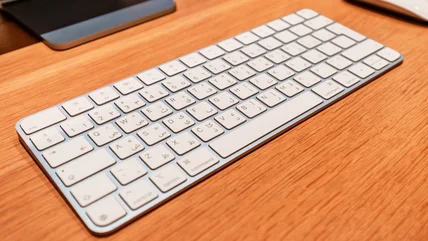
Wondering if a second-hand Magic Keyboard is worth it? User experiences reveal both upsides and drawbacks you’ll want to check before buying.
Read More
Chromebooks are affordable laptops, but their longevity depends on more than hardware. Here’s how long they last and what you can do to extend their lifespan.
Read More
While many Apple users are enjoying the MacOS Tahoe update, there are some who regretting it and hoping for a fix to this overlooked keyboard feature.
Read More
Think your MacBook’s USB-C port is just for charging? It hides a few surprisingly useful tricks every owner should know.
Read More
YouTube has become one of the most popular sources of entertainment in the world, but it can easily use up your mobile plan's data if you're not careful.
Read More
Looking to use your iPad as a flashlight? It may be possible, but only if your iPad is one of a very few select models that include a flash.
Read More
Nvidia's GPUs have been considered some of the best on the market, including the Ti releases, but what does the Ti designation mean for owners?
Read More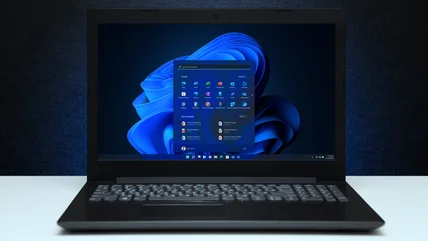
Windows has come to include a huge amount of features to make your everyday computing experience better, but you may not want all of them turned on at once.
Read More
Ever notice upstream and dowstream USB ports on your monitor and wonder what they’re for? We explain the difference and what it means for your setup.
Read More