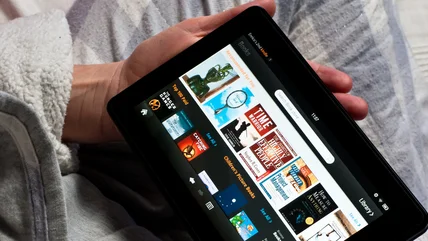
Your Amazon Fire Tablet Can Feel A Lot More Like A Stock Android Tablet With These Tricks
One notable thing that's missing from Amazon Fire tablets is the ability to install and use Google Services. We'll show you how to fix that.
Read More

One notable thing that's missing from Amazon Fire tablets is the ability to install and use Google Services. We'll show you how to fix that.
Read More
Android users have a wealth of productivity tools at their disposal, many free. While some such apps come and go, here are the tried-and-true classics.
Read More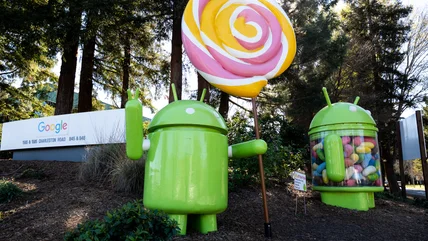
Android has long used its famous mascot, bugdroid. But there's a lesser-known, somewhat creepy earlier mascot that thankfully never saw the light of day.
Read More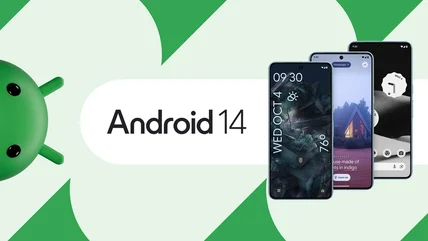
Android 14 is finally live, releasing today for Pixel phones and in the near future for other manufacturers. Find out what's new and exciting with this update.
Read More
If you're looking to buy a new Android phone this year, you certainly have a lot of options. That said, you'll probably want to avoid these three models.
Read More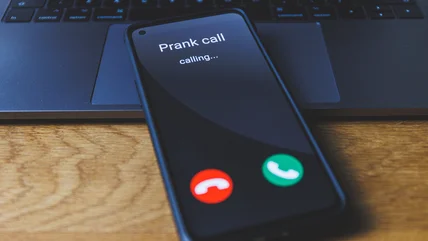
Back in the day, making prank phone calls on a landline with your friends was pretty common. Now, Android users can use spoofing apps to do the same thing.
Read More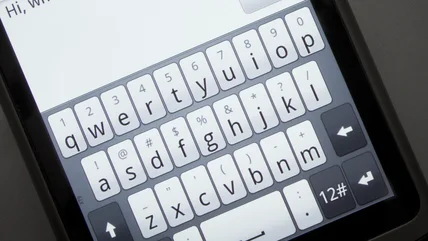
Not all Android phones are created equal, including the keyboard. If you switched Android phones, here is how to customize your keyboard to your liking.
Read More
The preinstalled Gboard is a great keyboard but if you're looking for alternatives with more features, here are five of the best on Android.
Read More
If you want to quickly access a website or a certain webpage on your Android phone regularly, creating a shortcut is the best way to set that up.
Read More
You'll want to know how to recover the voicemail password on your Android Smartphone in case there's ever a need.
Read More
Traveling can be incredibly reward, but it can also be more than a little stressful. Take the edge off of your next vacation with these Android travel apps.
Read More
Having your emergency alerts on your android phone is critical as it could keep you and your loved ones safe. Plus, turning them on is easier than you think.
Read More
Using Google Assistant's Shortcuts feature, you can utter commands of your own choosing to launch not just your most commonly used apps,
Read More
If you find yourself browsing Android apps in the Google Play Store on your computer's browser, you can install them directly to your phone.
Read More
Sometimes, not every Android app will be available on the Google Play Store in your region, which means you'll need to install the APK file instead.
Read More
If you spend a lot of time driving around, a phone mount for your car is a must. Here are five of the best options for Android devices.
Read More
Influencers and content creators often need portable and convenient tools to take photos and videos, which means tripods are essential equipment to have.
Read More
Your smartphone can serve as a substitute for a proper scanner when you don't have access to one, and these are some of the best apps suited for the job.
Read More
Pinning an app to your Android helps prevent wandering eyes from ending up where you might not want them.
Read More
Unwanted calls are a ubiquitous annoyance, but Android gives you a very handy way to make them go away. It doesn't cost anything and works in a snap.
Read More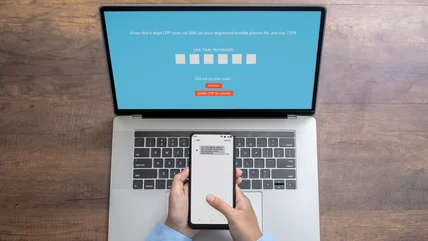
If you receive a lot of one-time passwords on your Android device, there is a simple setting to enable that will keep them from piling up. We'll show you how.
Read More
If you need fewer distractions from the tiny computer in your pocket, Android includes Focus mode and a Do Not Disturb option. Here's how to use them.
Read More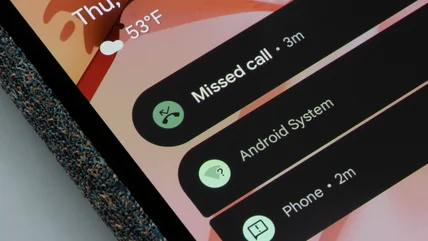
If you accidentally swiped away all notifications, there's a way to look at your notification history on Android. You do need to turn it on first, though.
Read More
While Android doesn't natively allow you to use a video as your wallpaper, there are ways to get around that limitation. Here's one easy way.
Read More
If you find yourself mindlessly scrolling on your phone late at night and want to cut back, turn on these Android settings to fix that habit.
Read More
Is your music muffled, distorted, or of low quality? Here are a few tips and tricks to improve it. None of them involve pulling apart your stereo.
Read More
If you have unique accessibility needs or simply want a shortcut for quickly switching to a high-contrast theme, Android's invert colors feature is key.
Read More